
- Log in on the site & open your Account
- You can do this by clicking Member Menu in the main menu > Your Account
- or Main menu > Members Area > Manage account
- Click on ‘Edit your profile’ under the Profile section:
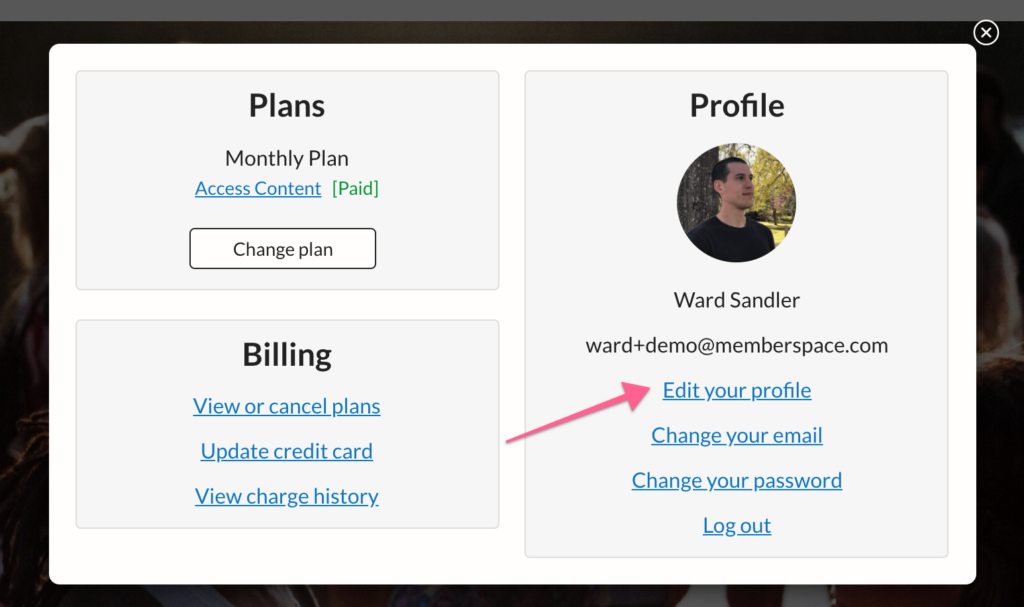
3. Change any information you want then click ‘Update Profile’ at the bottom.